Essential Microsoft Office and Microsoft 365 apps
Work with documents, spreadsheets, presentations, email, calendars, and everyday productivity files using the apps included with your selected Microsoft Office edition or Microsoft 365 plan.
Choose the Office experience that fits the way you work
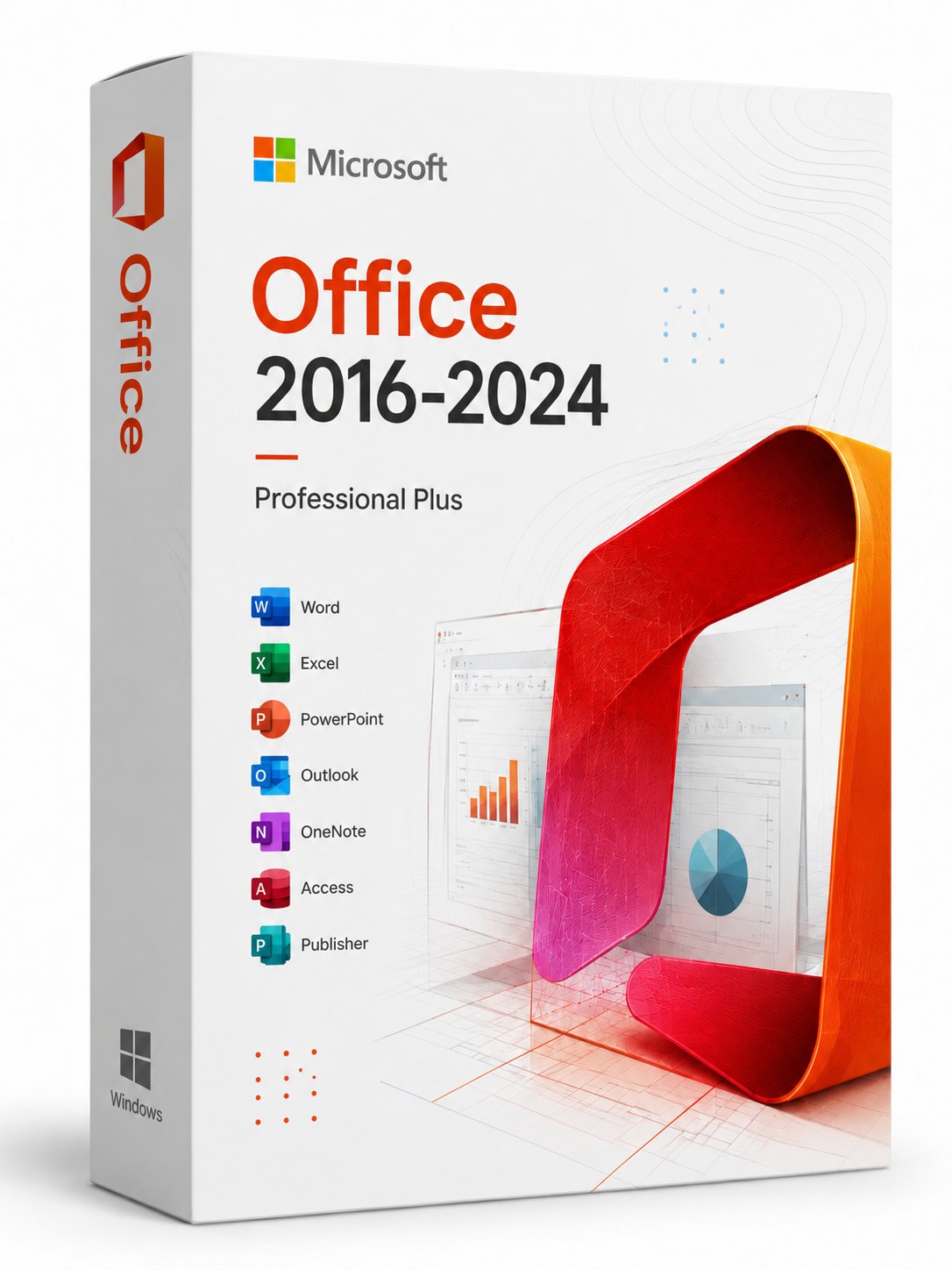
Microsoft Office and Microsoft 365
Work with documents, spreadsheets, presentations, email, calendars, and everyday productivity files using the apps included with your selected Microsoft Office edition or Microsoft 365 plan.
Compare available Microsoft Office License editions and Microsoft 365 Subscription options, then choose the platform, apps, and license term that fit your needs.
Activation links or activation codes are sent free by email within an estimated 0–1 calendar days after payment confirmation, including weekends.
Pay securely with supported credit or debit cards, or with PayPal. Payment details are processed by secure payment providers, and Office Software Offer does not store full card numbers on this website.
Bring the tools behind everyday work into one familiar experience. Depending on the option you choose, Microsoft Office and Microsoft 365 can help you write polished documents, organize budgets and data, build clear presentations, manage email and calendars, and keep projects moving at home, at school, or at work.
Microsoft Office License editions are designed for customers who want the capabilities included in a specific release. Microsoft 365 Subscription plans are offered for the term shown at checkout and may add ongoing feature updates and cloud-connected services. Included apps and benefits vary, so compare the exact option details before purchasing.
Complete checkout securely and receive your order details plus the applicable activation link, code, or setup instructions by email. Delivery is normally completed within 0–1 calendar days after payment confirmation, including weekends. No physical package is shipped.
For the smoothest setup, confirm the selected edition or plan, included apps, Windows or macOS support, system requirements, device allowance, license term, account requirements, regional availability, checkout email, and refund conditions. If anything is unclear, contact support before payment.
Office Software Offer is an independent storefront operated by WORTH NETWORK TECHNOLOGY CO., LIMITED. Product names, trademarks, and logos belong to their respective owners. Office Software Offer is not Microsoft and is not an official Microsoft website.

Everyday productivity
Use Microsoft Office and Microsoft 365 apps for polished documents, clear spreadsheets, persuasive presentations, and organized email across home, school, and business workflows.

Digital fulfillment
Select the edition or subscription term that fits your work, complete payment through PayPal, and follow the order and delivery instructions sent to your checkout email.
Buy with clarity
Review the selected license term, supported operating system, hardware requirements, account requirements, and refund policy.
Microsoft Office and Microsoft 365 are available for Windows. On macOS, iPad, and iPhone, only Microsoft 365 is supported. Match the selected option to your operating system before ordering.
Microsoft Office · Microsoft 365
Microsoft 365 only
Internet access is required for download, activation, updates, and subscription verification. Windows 7, 8, 8.1, and 10 have reached end of support; Office 2016 and Office 2019 are also no longer supported by Microsoft. These legacy combinations may remain installable, but they no longer receive full security and reliability support. For the safest current setup, use Windows 11 with a supported Office release. Requirements can change—check theofficial Microsoft requirementsbefore ordering.
Available choices may include Microsoft Office License editions and Microsoft 365 Subscription plans. The purchase section shows the exact edition, included apps, supported platform, device allowance, and license term for each option.
Yes. Order details and the applicable activation link, code, or setup instructions are sent to the email address provided at checkout. No physical package is shipped.
Depending on the option selected, included apps can support documents, spreadsheets, presentations, email, calendars, schoolwork, budgets, data analysis, reporting, and everyday business collaboration.
Digital orders are normally delivered within 0–1 calendar days after payment confirmation, including weekends. Check your inbox and spam folder, and contact support if the estimated window has passed.
Microsoft Office License editions are release-based products with the features included in that version. Microsoft 365 Subscription is offered for the term shown at checkout and may include ongoing feature updates and cloud-connected services. Always use the selected option details as the final specification.
Device allowance varies by option. Review the device limit, operating system, account requirements, and license term displayed for your selection before checkout.
Confirm the exact edition or plan, included apps, Windows or macOS compatibility, device allowance, license term, account requirements, regional availability, checkout email, and refund policy before placing the order.
Contact support with your order number and checkout email address. We can help with delivery status, order verification, and questions about the option you purchased.